
PRA eIMS & POS Integration in Punjab (2026)
NexZion Solutions provides PRA eIMS software installation, POS integration and implementation support for eligible service businesses across Punjab, Pakistan. We help assess the existing billing system, organise business and branch information, configure the supported PRA connection, test invoices and train staff before production use.
Reviewed October 2026. PRA currently provides eIMS user guides and installer downloads through its official portal. Applicability, registration, service classification, rates and filing obligations must be confirmed through the Punjab Revenue Authority and a qualified tax adviser. NexZion provides software installation, integration and implementation support; this page is not legal or tax advice.
What NexZion provides
PRA-ready billing workflow
Configure services or menu items, prices, applicable tax settings, users, counters, payment methods, refunds and daily closing around the business’s approved process.
Technical eIMS connection
Prepare POS information, install and connect the official PRA software fiscal device, configure test or production credentials and store fiscal responses against invoices.
Implementation support
Test realistic transactions, explain exceptions, train cashiers and managers, and provide a clear route for operational support after go-live.
PRA eIMS software installation: what the setup involves
The installation process should start with the business workflow and the current PRA registration position. NexZion does not replace the official PRA portal or installer. We use the official PRA resources and configure the supported connection around the client’s POS, ERP or billing workflow.
1. Business and branch review
Confirm registered business details, branches or outlets, counters, users, services and the billing workflow that must be connected.
2. Official eIMS installer and access
Use the current PRA eIMS user guide and installer resources from the official PRA portal. Credentials and registration details remain under the taxpayer’s control.
3. POS or ERP connection
Map invoice fields, services, tax treatment, payment information and the supported communication path between the business software and PRA eIMS.
4. Testing before production
Test normal invoices, discounts, refunds or reversals, branch/counter identity, fiscal response, QR/receipt output and retry behaviour where applicable.
Use the 25-test PRA POS technical go-live checklist before production launch.
5. Staff training and handover
Train cashiers and managers on invoice status, reprints, failed submissions, daily reconciliation and the process for escalating technical issues.
6. Production monitoring
After go-live, review submission status, reconciliation and operational exceptions so failed or duplicate transactions are handled in a controlled way.
Already using POS, ERP or billing software?
You may not need to replace the entire system. NexZion can review whether the existing software can be connected to the supported PRA workflow, whether a connector or API change is practical, and what data, receipt or reconciliation changes would be required.
- Existing restaurant or cafe POS
- Hotel or hospitality billing
- Salon and service billing software — see our PRA salon and bridal POS guide
- Custom Laravel or web applications
- ERP or branch billing systems
- Desktop or cloud POS software
How the official PRA fiscalisation flow works
- Register the POS: the official specification says businesses register each POS for each branch through the PRA portal and receive a POS registration number.
- Prepare test access: test PRA POS IDs can be generated for pre-production integration.
- Install the fiscal device: PRA provides a software fiscal device installed on the system where the taxpayer’s POS is operating.
- Connect the POS: the POS sends the structured invoice to the local fiscalisation service described in the current PRA technical document.
- Receive the response: the PRA service returns a fiscal invoice number against the record.
- Print the receipt: the PRA invoice number and QR code are printed on the customer invoice.
- Maintain records: the fiscal device periodically moves recorded invoice data to the PRA online system while the POS preserves its business and audit records.
For post-go-live controls, use our PRA POS audit trail and record-retention checklist to preserve invoice evidence, user actions, fiscal responses, reconciliation and configuration changes.
Businesses we can support
The PRA technical specification’s POS registration fields include sectors such as restaurants, hotels, couriers and beauty businesses. Other Punjab service businesses should confirm whether and how the current requirement applies to their registration and activity before implementation.
Restaurants and cafes
Dine-in, takeaway, delivery, menu items, modifiers, discounts, kitchen orders, refunds, shifts and branch reporting.
Hotels and hospitality
Restaurant or service billing, outlets, counters, packages, guest references, payments, refunds and consolidated management reporting.
Salons, spas and beauty services
Appointments, service combinations, staff assignments, commissions, products, packages and customer receipts.
Courier and service operations
Consignments or service orders, customer billing, branch activity, payment collection, refunds, adjustments and branch reporting.
Implementation evidence: what we check before PRA go-live
A PRA integration should be tested as an operating system, not only as a successful API call. These NexZion implementation visuals show the technical areas we review before production: local SFD deployment and workstation health, invoice QA across discounts and rounding, and monitoring/recovery after go-live.
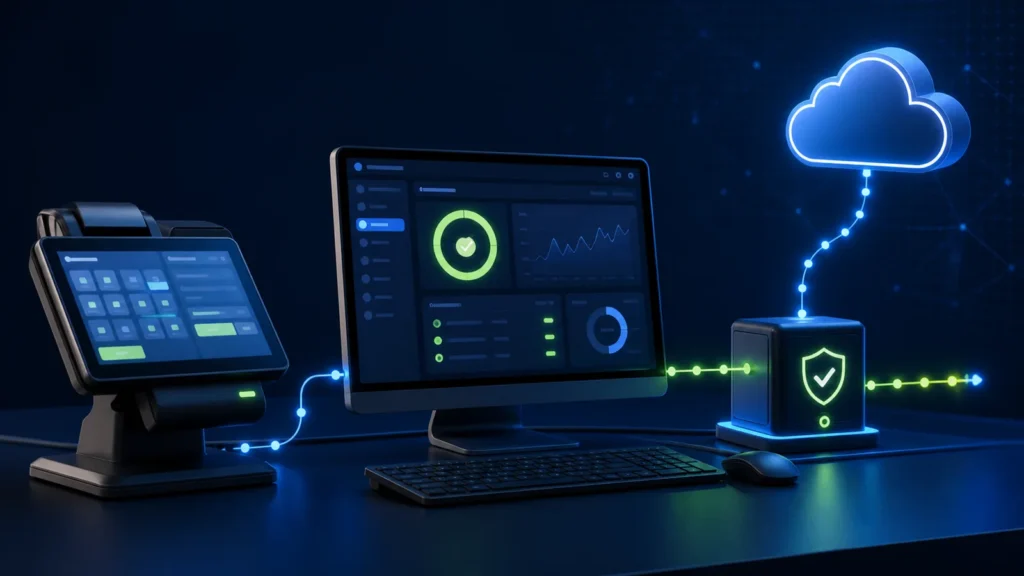
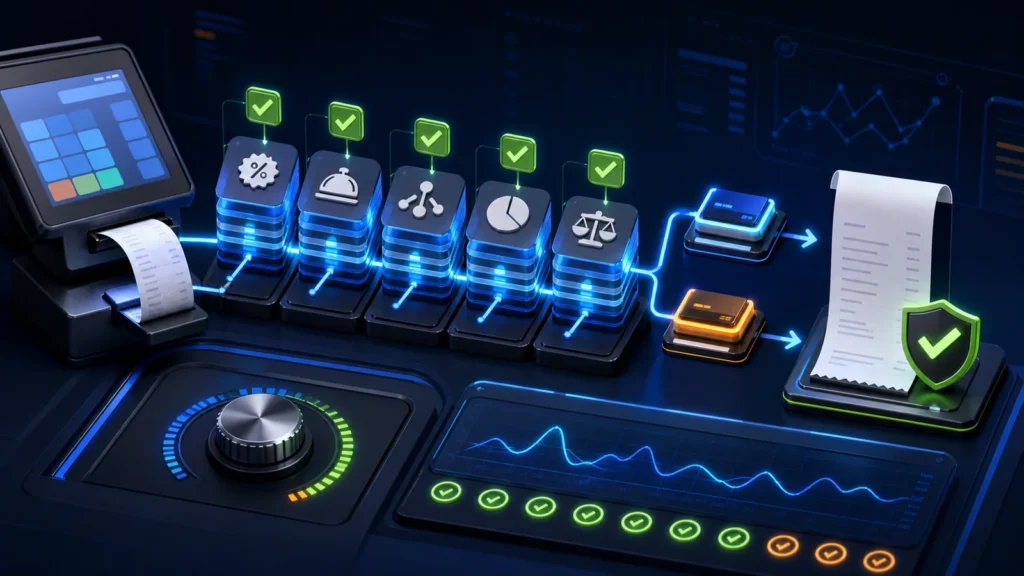
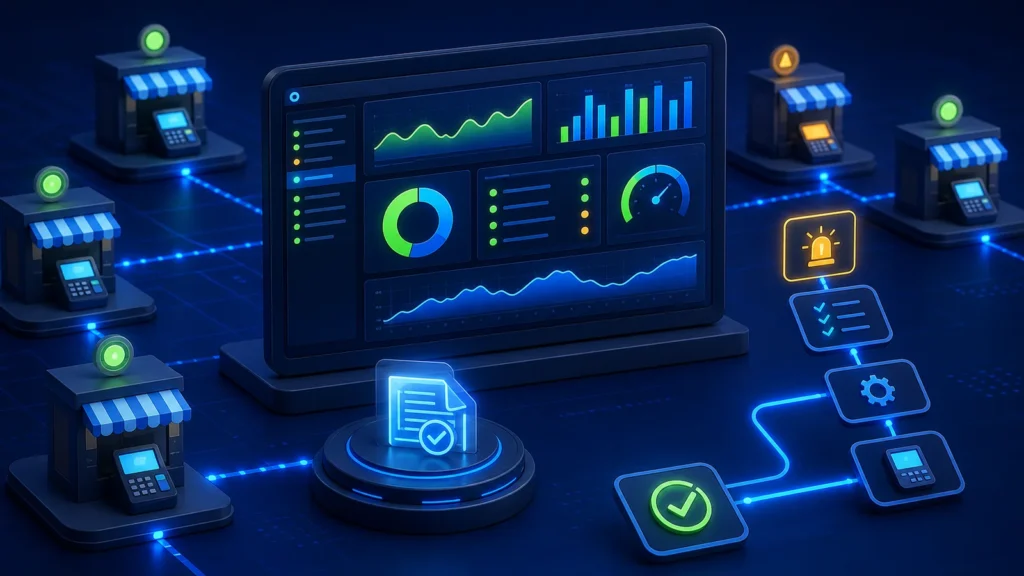
These are NexZion implementation and QA visuals. Client-identifying information is not shown.
PRA eIMS installation support from Pakpattan, Punjab
NexZion Solutions Pvt Ltd is based in Pakpattan, Punjab and provides PRA eIMS software installation, POS integration and implementation support for eligible service businesses across Punjab. Projects can be coordinated remotely with the business’s own staff, accountant or tax adviser while the software workflow, testing and go-live are handled in a controlled way.
Business location
Sahiwal Road, Pakpattan, Punjab 54700, Pakistan
Phone & WhatsApp
View NexZion company profile → Google Business Profile →
Client proof: Named NexZion PRA and service-business implementations include Al Ghafoor Grand Marquee, Qasr-e-Jamal Marquee and A.A TRADERS & G O SUPPLIERS. See the verified implementation directory.
Already completed a NexZion implementation? Share your genuine experience on Google.
PRA eIMS Implementation Resource Center
Use these guides to plan the technical and operational parts of a PRA-connected POS project. Start with registration and sandbox testing, then validate receipts, exception handling and daily reconciliation before production.
Registration and architecture
- PRA POS registration: branch, counter and test POS ID
- PRA Software Fiscal Device (SFD) explained
- PRA eIMS sandbox versus production
Verification and incident control
- PRA invoice verification, fiscal number and QR guide
- PRA POS troubleshooting for failed and unsynced invoices
- Connectivity, continuity and duplicate prevention
- Returns, refunds and cancelled-bill workflow
Business implementation
Reviewed: 28 August 2026. Confirm current PRA applicability and tax treatment for the business’s individual circumstances.