
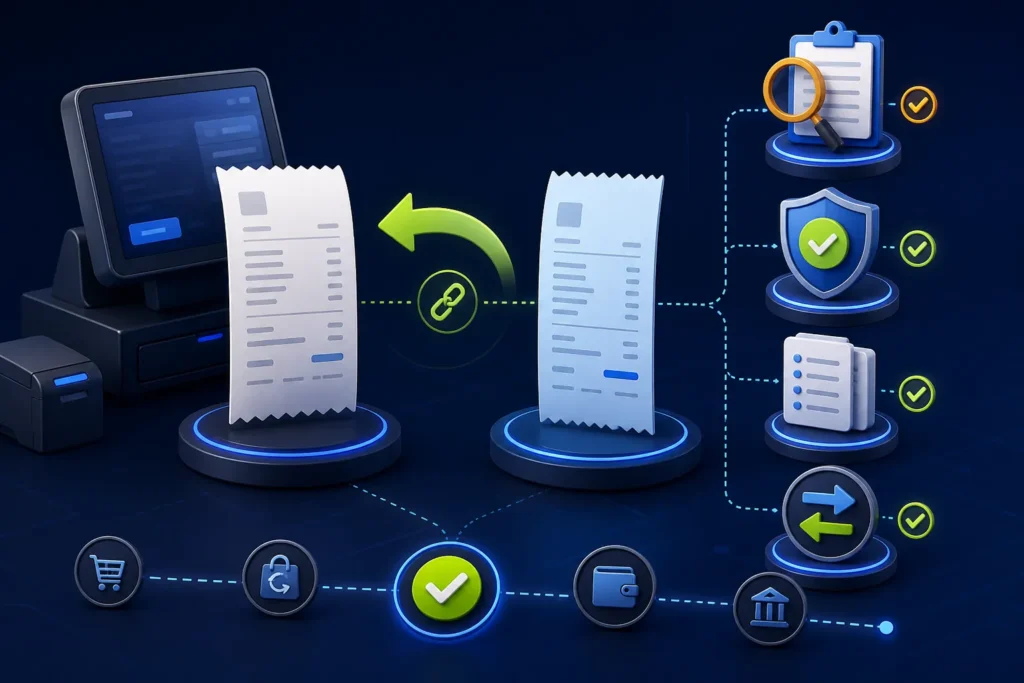
Do not treat an open-order cancellation, an issued-invoice correction and a customer refund as the same action. PRA’s published invoice model documents new, debit and credit invoice types and a RefUSIN field that links a credit/debit adjustment to the business’s original invoice number. Preserve the original invoice, require authorization, create the supported adjustment, record the payment movement separately and reconcile both records. Never delete an accepted fiscal invoice to make a report look clean.
Reviewed 28 August 2026. This is operational software guidance, not tax or legal advice. Confirm current PRA applicability, rates, service classifications, notices and correction requirements for the business’s individual circumstances.
Four events that staff often confuse
| Event | Operational meaning | Typical system control |
|---|---|---|
| Order cancellation | Open table/KOT item removed before final invoice | Reason, role approval and kitchen/stock trace |
| Invoice void before fiscalisation | Draft invoice stopped before submission | Retain void status; no fiscal reference claimed |
| Credit/return after fiscalisation | Adjustment against an issued invoice | Reference original USIN and use supported invoice type |
| Customer refund | Money returned by cash, card or another method | Payment authorization and settlement evidence |
What the specification documents
Version 1.2 lists RefUSIN as the business reference invoice number in case of a return and documents invoice types 1 New, 2 Debit and 3 Credit. Its FAQ explains that a credit invoice is created against an existing original invoice to neutralize its effect in the example given. This is a technical model; the business should still confirm the correct tax/accounting treatment for its actual event.
Recommended return workflow
- Locate the original invoice by USIN, fiscal number, customer or date.
- Confirm it is the correct branch, counter and transaction.
- Record the return/correction reason and evidence.
- Check whether goods/services were actually returned, cancelled or partially adjusted.
- Obtain approval according to amount and role limits.
- Create the supported credit/debit adjustment linked through RefUSIN.
- Use approved line items, quantities, values and treatment.
- Submit once and store the returned fiscal reference/status.
- Process the customer refund separately through the original/approved payment channel.
- Reconcile original, adjustment, payment and stock/service records.
Restaurant examples
Item removed before the bill
A waiter accidentally adds two drinks, the kitchen/bar has not prepared them, and the item is removed before final billing. This is an order-control event, not automatically a fiscal return. Keep the KOT/order audit trail.
Customer returns a billed item
If the final invoice was already fiscalised, use the approved adjustment process rather than deleting the sale. Record whether inventory returns to stock or is written off.
Complaint and goodwill refund
A manager may refund money even when no item is returned. Accounting and tax treatment should be confirmed; do not force every goodwill payment into the same template.
Marriage hall and advance-payment caution
Marriage halls may manage booking advances, instalments, guest-count changes and final settlement. The operational system should track each payment and adjustment, but when an advance becomes taxable or invoiceable is an accounting/tax decision requiring current professional confirmation. Do not create automated fiscal rules from an unverified assumption.
Permission matrix
| Action | Cashier | Supervisor | Accounts/manager |
|---|---|---|---|
| Cancel open item | Within configured limit | Review exceptions | Monitor trends |
| Void draft invoice | Request | Approve | Review report |
| Create fiscal credit/return | No or restricted | Initiate with evidence | Approve/reconcile |
| Refund cash/card | No or limited | Witness | Authorize and settle |
| Delete accepted record | Never | Never | Never through ordinary workflow |
Partial returns
For a partial return, reference the original invoice and include only the approved items/amount being adjusted according to the supported model. The POS should prevent the cumulative returned quantity or value from exceeding the original unless a separately authorized debit/correction explains it.
Payment refund controls
- Link the refund to the original payment
- Record method, amount, date and approver
- Keep card reversal/reference where applicable
- Do not pay cash for a card transaction without approved policy
- Separate refund from change or cash-drawer correction
- Reconcile gateway/bank settlement and POS
Stock and service effects
A return can affect inventory, recipe consumption, commission, revenue, receivable and customer balance differently. Configure the operational consequence explicitly. A cancelled prepared meal may be waste, while a returned unopened retail item may re-enter saleable stock after inspection.
Audit trail fields
- Original USIN and fiscal number
- Adjustment USIN and fiscal number
- Branch/counter
- Original and returned items
- Reason code and notes
- Requested and approved by
- Payment refund reference
- Stock/waste action
- Date/time and device
- Reconciliation status
Common mistakes
- Deleting the original invoice
- Using a negative normal sale without reference
- Refunding money without a system record
- Creating several credits for the same quantity
- Changing the original price or tax after issuance
- Using “cancel” for every operational event
- Resubmitting a credit after an uncertain response
Frequently asked questions
Can a PRA fiscal invoice be deleted?
Do not delete an accepted invoice in the normal workflow. Use the supported correction/credit process and preserve the audit trail.
What is RefUSIN?
It is the business reference invoice number used in the documented model to link a credit/debit adjustment to the original invoice.
Is a refund the same as a credit invoice?
No. A credit invoice adjusts the invoicing record; a refund records money returned. They should be linked but reconciled separately.
How should an advance be handled?
Track it operationally, but confirm current tax and invoice timing with a qualified adviser for the specific business and contract.
Need a controlled returns workflow?
NexZion Solutions can map cancellation, credit, refund, stock and approval paths, configure permissions and build return reconciliation into the POS scope.
Get PRA Returns Workflow Support PRA eIMS integration service
Official sources reviewed
- PRA Software Fiscal Device Technical Specification, version 1.2
- official PRA portal
- official PRA POS invoice-search facility
Reviewed 28 August 2026. The technical specification explains an implementation model but is not a complete statement of every current legal requirement. Reconfirm production details before relying on them.
Related: PRA invoice and QR guide, troubleshooting guide, marriage hall workflow, and NexZion POS.
NexZion Solutions publishes practical guides based on business-software, compliance-workflow, website and automation implementation experience in Pakistan.


